Settings & Subscription
The Settings page (in the menu) is short and personal: appearance, language, notifications and feedback. Building-wide management - users, payments and your plan - lives under Building Management; your subscription is also one click away from the sidebar.
Resident view: residents see exactly this Settings page - appearance, language, notifications and Send feedback. Everything else (users, payments, subscription) is manager-only and lives under Building.
Appearance & language
Switch between light and dark themes and change the language (Bulgarian or English) at any time. These are personal preferences and don't affect other members.
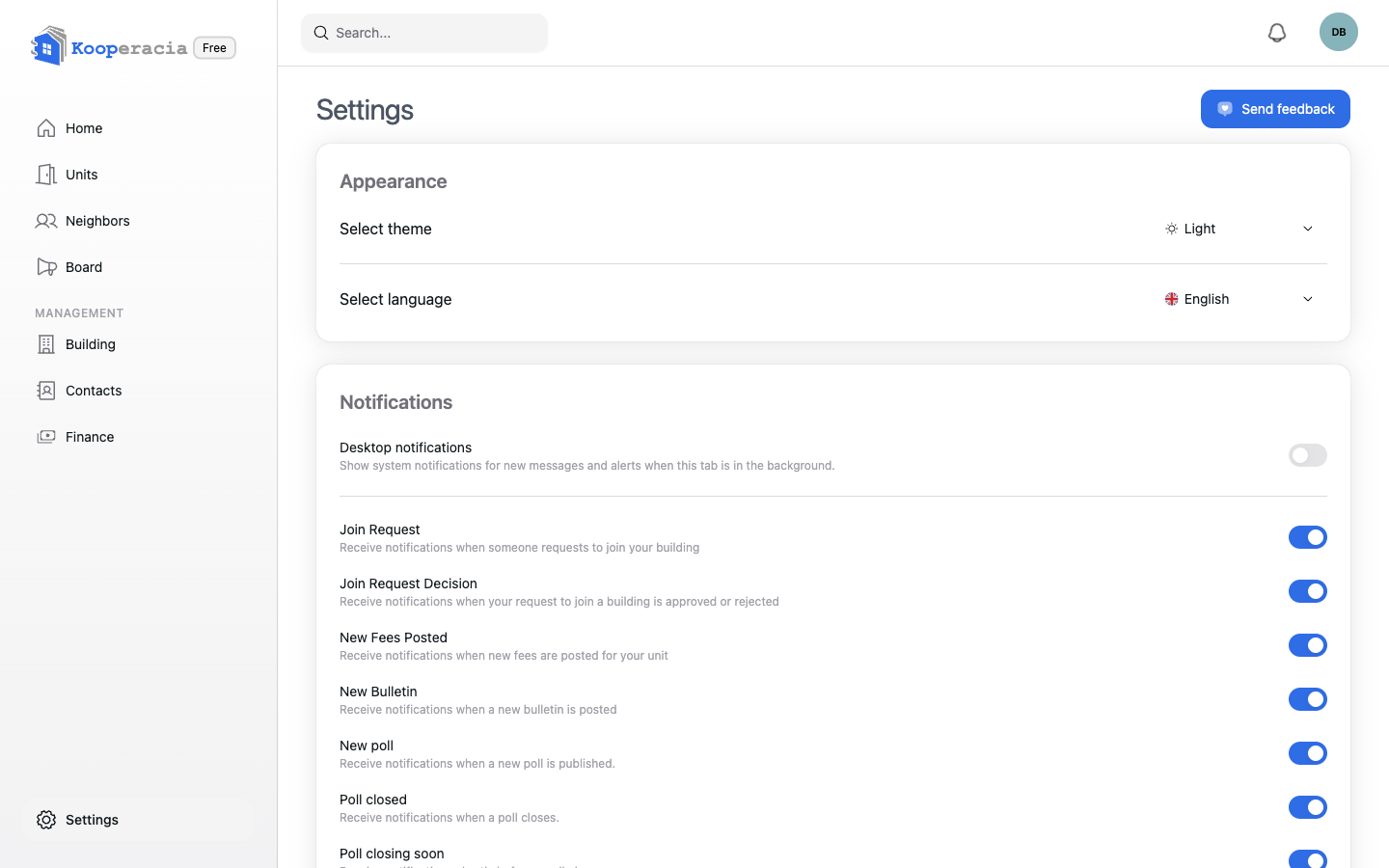
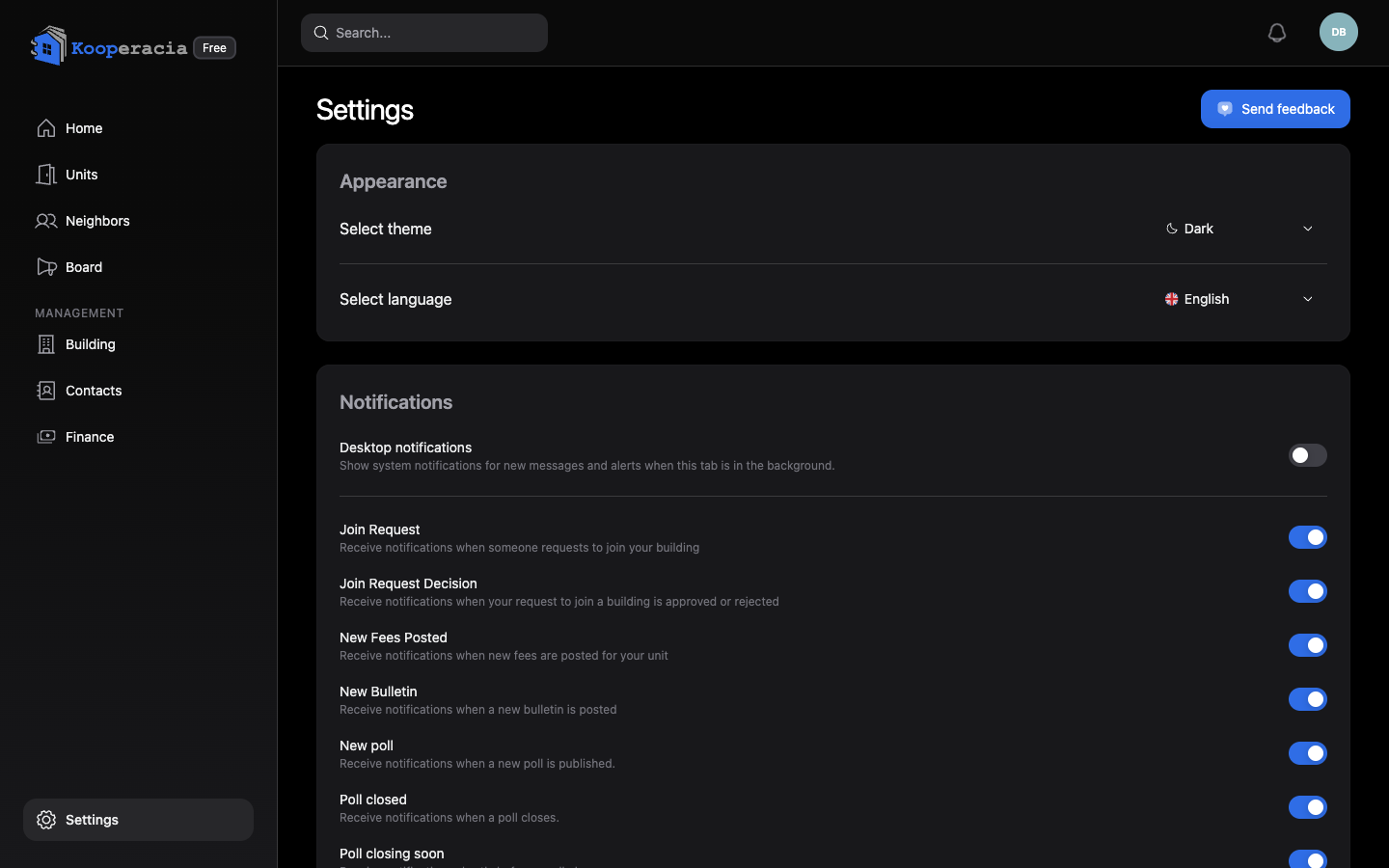 The Settings page with the theme and language options.
Notifications
Choose which notifications you receive and how (in-app, email, push, and desktop pop-ups). Each type has its own toggle. See Notifications & Reminders for the full list.
Send feedback
Use Send feedback to report a problem or suggest an idea. You can get a notification or email when your feedback is received and when the team replies.
Subscription & plan
Open Subscription from the sidebar (or Building -> Plan) to manage the building's plan:
- See your current plan and the available plans.
- Choose, manage or cancel a plan, or schedule a downgrade for the end of the period (upgrades activate after payment).
- Review payments and billing reminders.
Plans range from Free through Pro to Max. They all include the same core features - units, finances, communication, reports and the House Register - and differ mainly by the number of units they allow, the storage quota, and priority support on the top plan. Shared files from bulletins and documents count toward that storage.
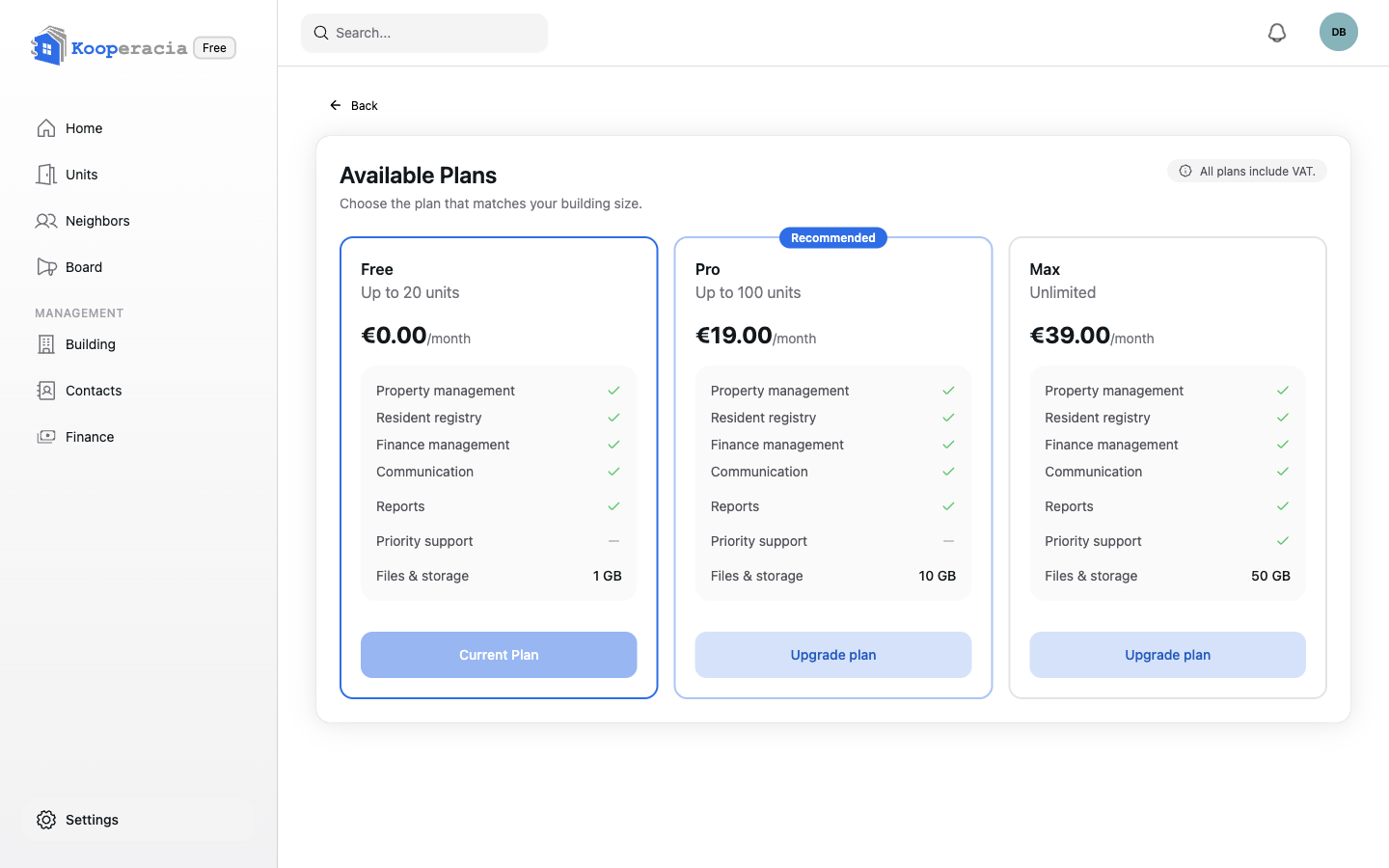
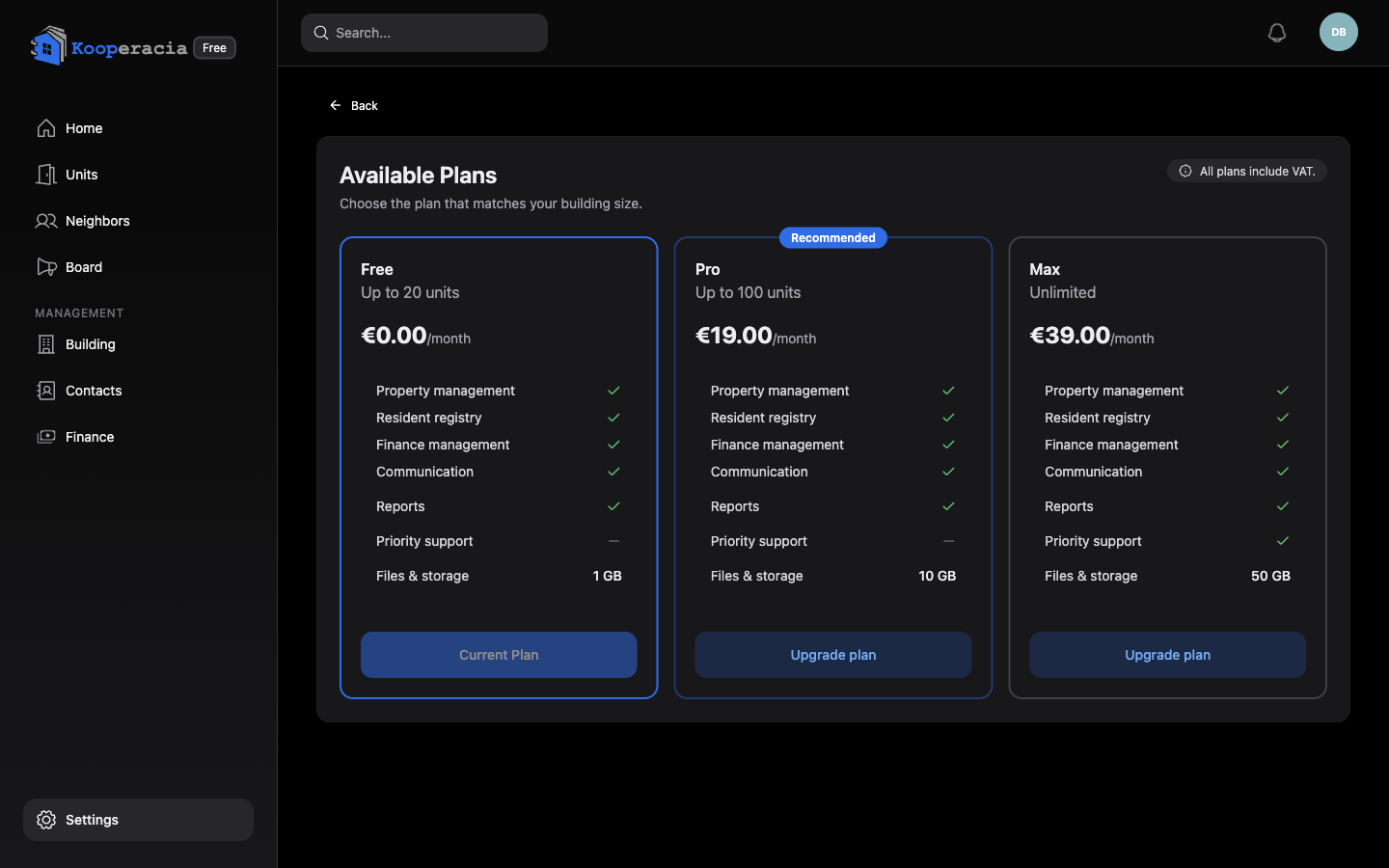 The Subscription screen with the current plan and available plans.
Where to find users and payments
These are under Building Management, not Settings:
- Users & roles, and the join link -> Building -> Users
- Online payment providers -> Building -> Accounts
Next steps
- Manage your personal profile in Your Account & Profile.
- Fine-tune what reaches you in Notifications & Reminders.