Messages & Bulletin Board
Kooperacia gives you two ways to keep everyone informed: the Bulletin Board for announcements and notices, and neighbour chat for conversations (covered in Neighbours Chat & Polls).
The Bulletin Board
The Bulletin Board (the Board / Обяви tab) is a wall of notes everyone in the building can read - perfect for announcements like "water shut-off on Tuesday" or "annual meeting on the 15th".
To post, click Add message and write your note in the built-in rich-text editor - headings, bold and italic, lists, links and even tables are all supported. Optionally give the note a colour (Blue, Purple, Green, Yellow, Red or Gray) to categorise it, then publish.
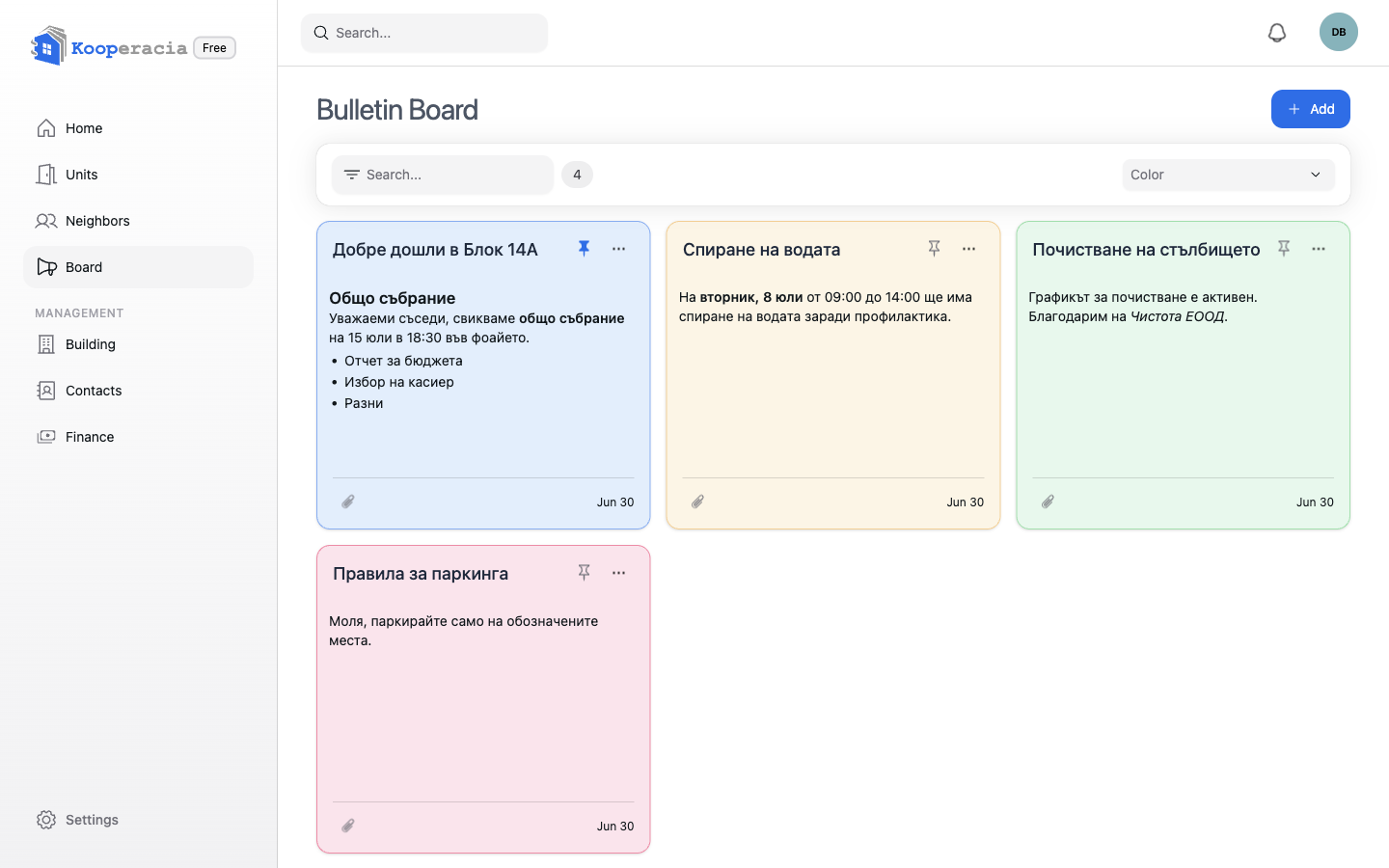
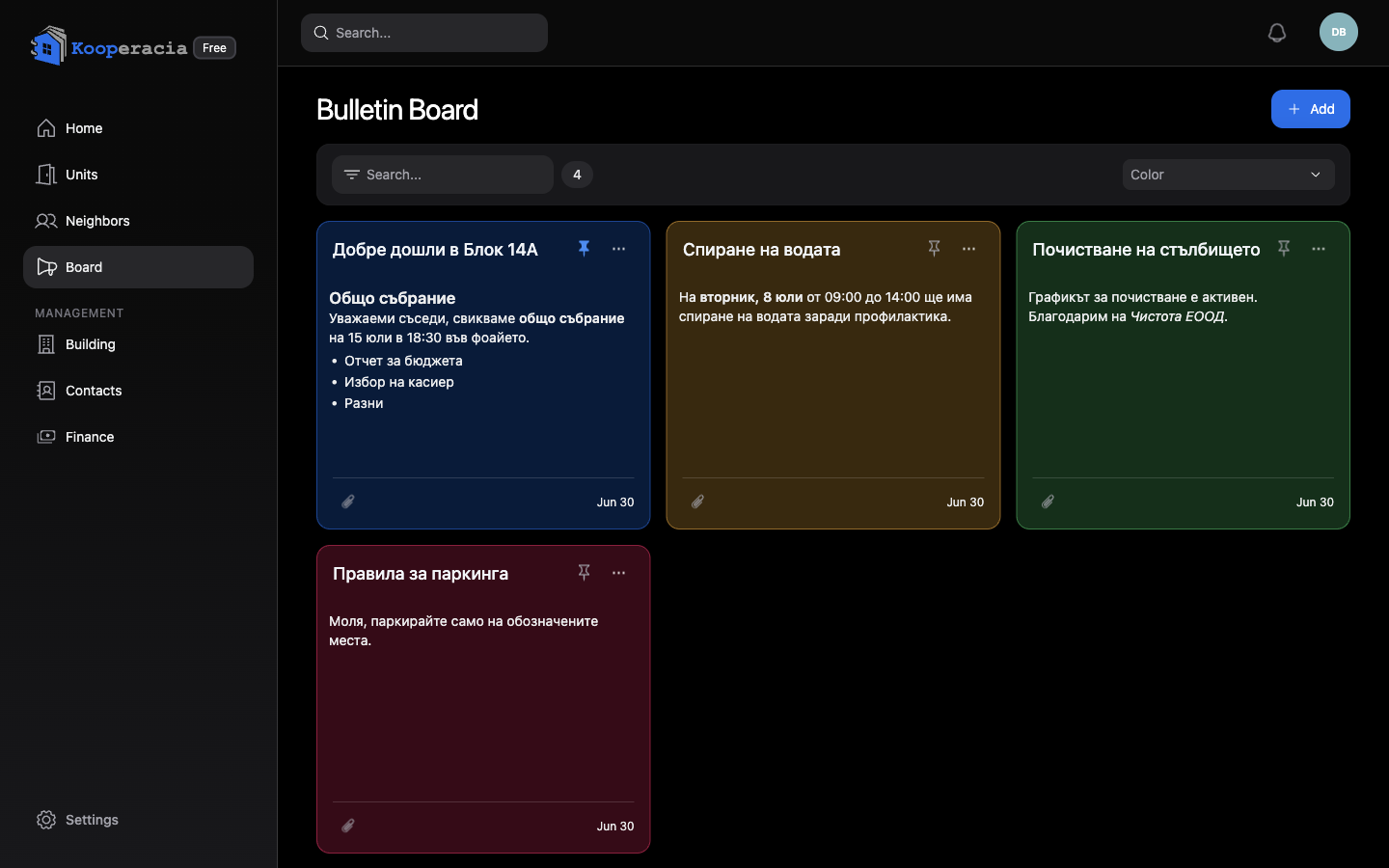 The bulletin board with several coloured notes, one pinned to the top.
Pinning and ordering
- Pin important notes so they stay at the top.
- Drag to reorder notes into the order you want.
- Two helpful rules: reordering by drag is paused while a colour filter is active, and pinned and unpinned notes can't be reordered together.
Filters
Use the Filters to show only Pinned or Unpinned notes, or filter by colour - handy on a busy board.
Attachments and files
Attach files to a note - a PDF of the meeting agenda, photos of a notice, a scanned invoice. You can add several at once, and images show inline in the note. Shared files count toward your building's storage, which you can review in Settings.
Who can post
The bulletin board is shared - both managers and residents can Add notes and attach files. Managers can additionally pin and reorder notes to keep important ones on top. Everyone gets a New Bulletin notification when something is posted (see Notifications). For two-way discussion, point people to the chat.
Next steps
- Schedule meetings in Events & Calendar.
- Chat and run polls in Neighbours Chat & Polls.