Notifications & Reminders
Kooperacia keeps everyone in the loop automatically - new fees, fresh bulletins, upcoming events, polls and payment reminders all reach the right people without you chasing them.
Where notifications appear
- In-app - the bell icon shows everything addressed to you.
- Email - important items also arrive in your inbox.
- Push - on the mobile apps.
- Desktop notifications - the web app can show pop-ups on your computer if you allow them in your browser. If they're blocked, you'll see a note explaining how to re-enable them in your browser settings.
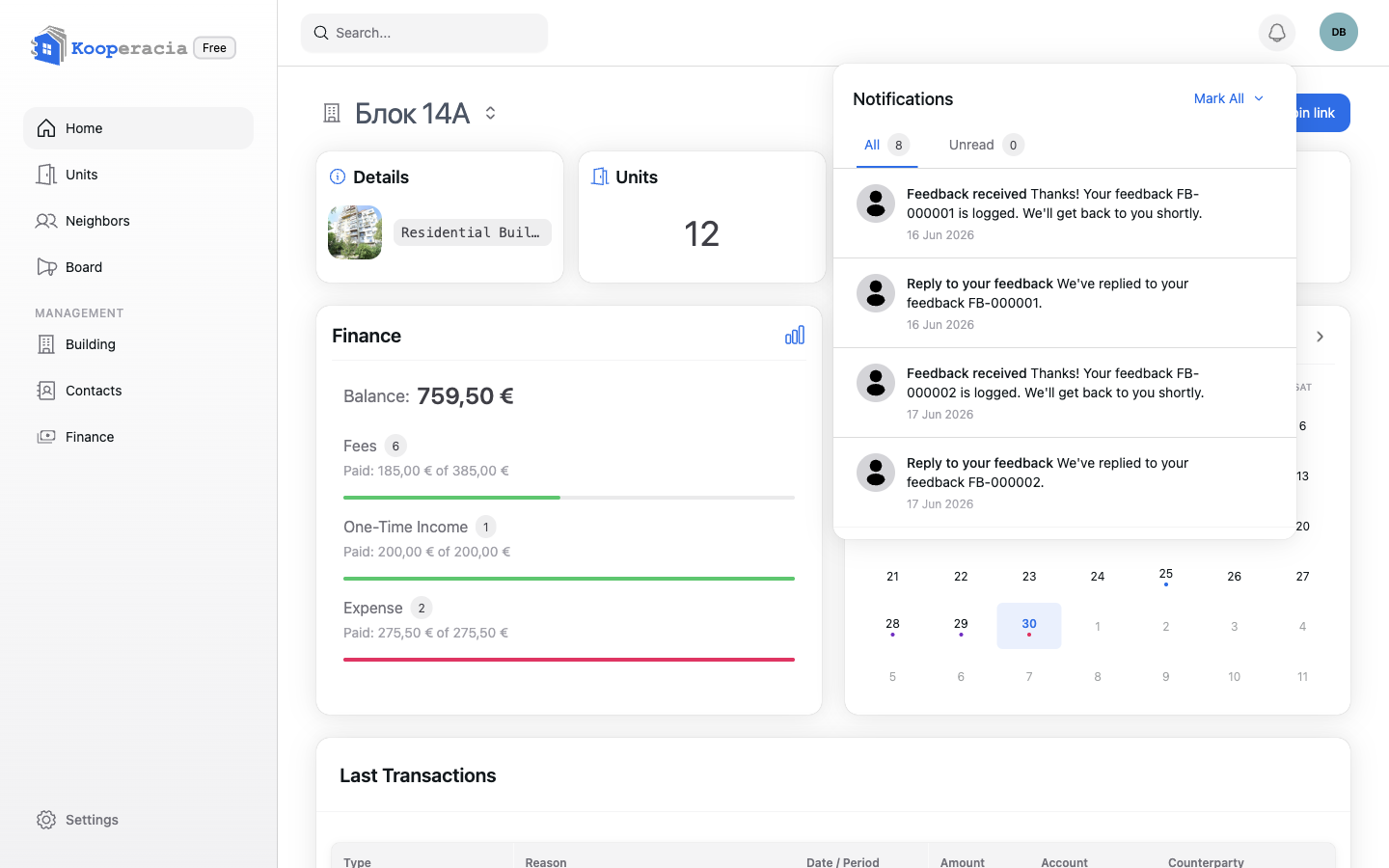
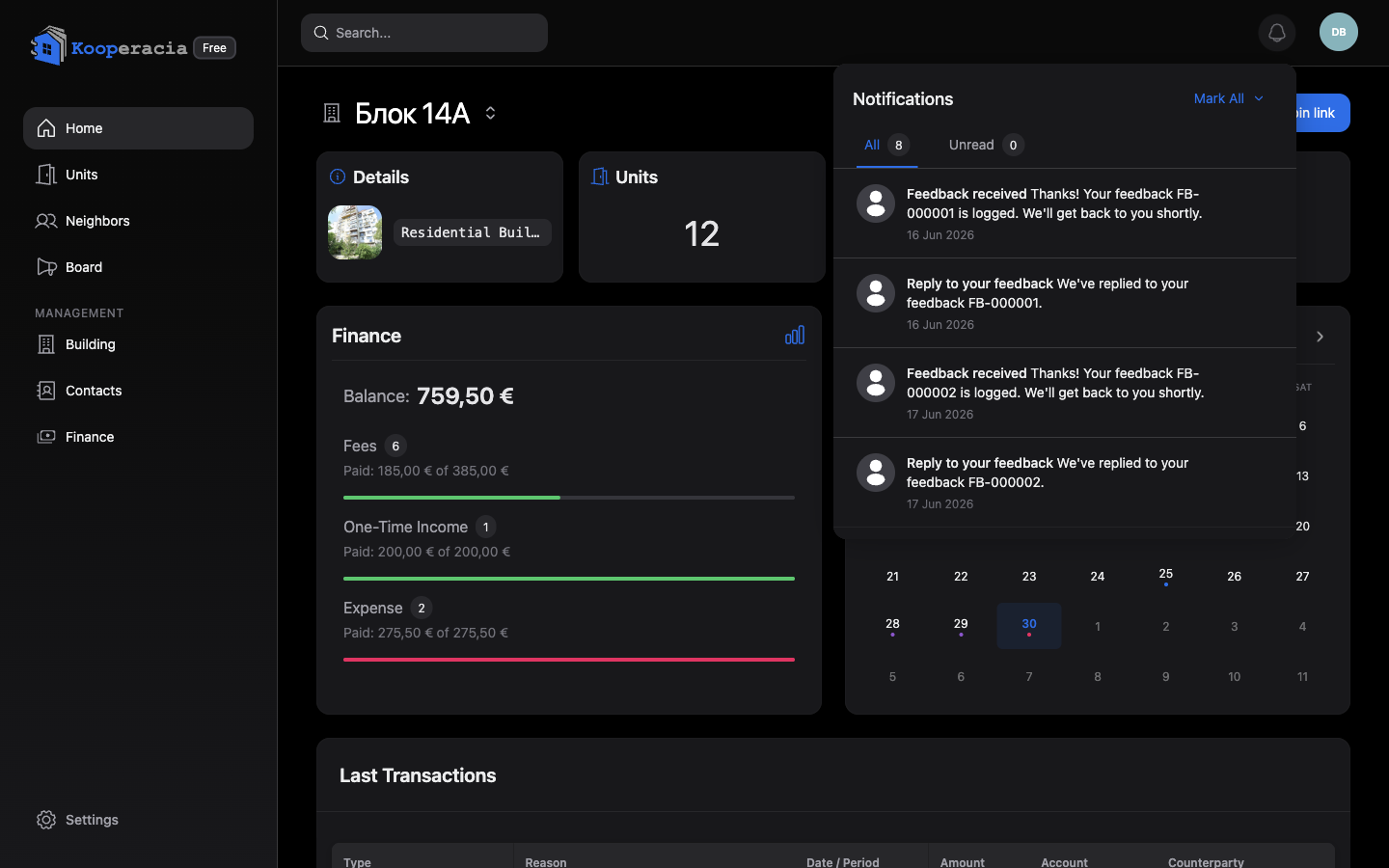 The notifications bell open, showing a list of recent notifications.
What you'll be notified about
| Area | Examples |
|---|---|
| Finance | New fees posted for your unit, and updates when a payment's status changes. |
| Bulletin board | A new bulletin is posted. |
| Events | A new event is added or an existing one is updated. |
| Polls | A new poll opens, one is closing soon, or a poll closes. |
| Joining | A new join request is submitted (managers), or your own request is approved or rejected. |
| Subscription | Billing reminders for the building's plan. |
| Feedback | Confirmation that your feedback was received, and replies from the team. |
Your notification preferences
You're in control of what reaches you. In your preferences you can switch individual notification types on or off, and choose the channel (in-app, email, push) where it makes sense. For example, a resident might keep new fees and payment status on, but mute chatty channels.
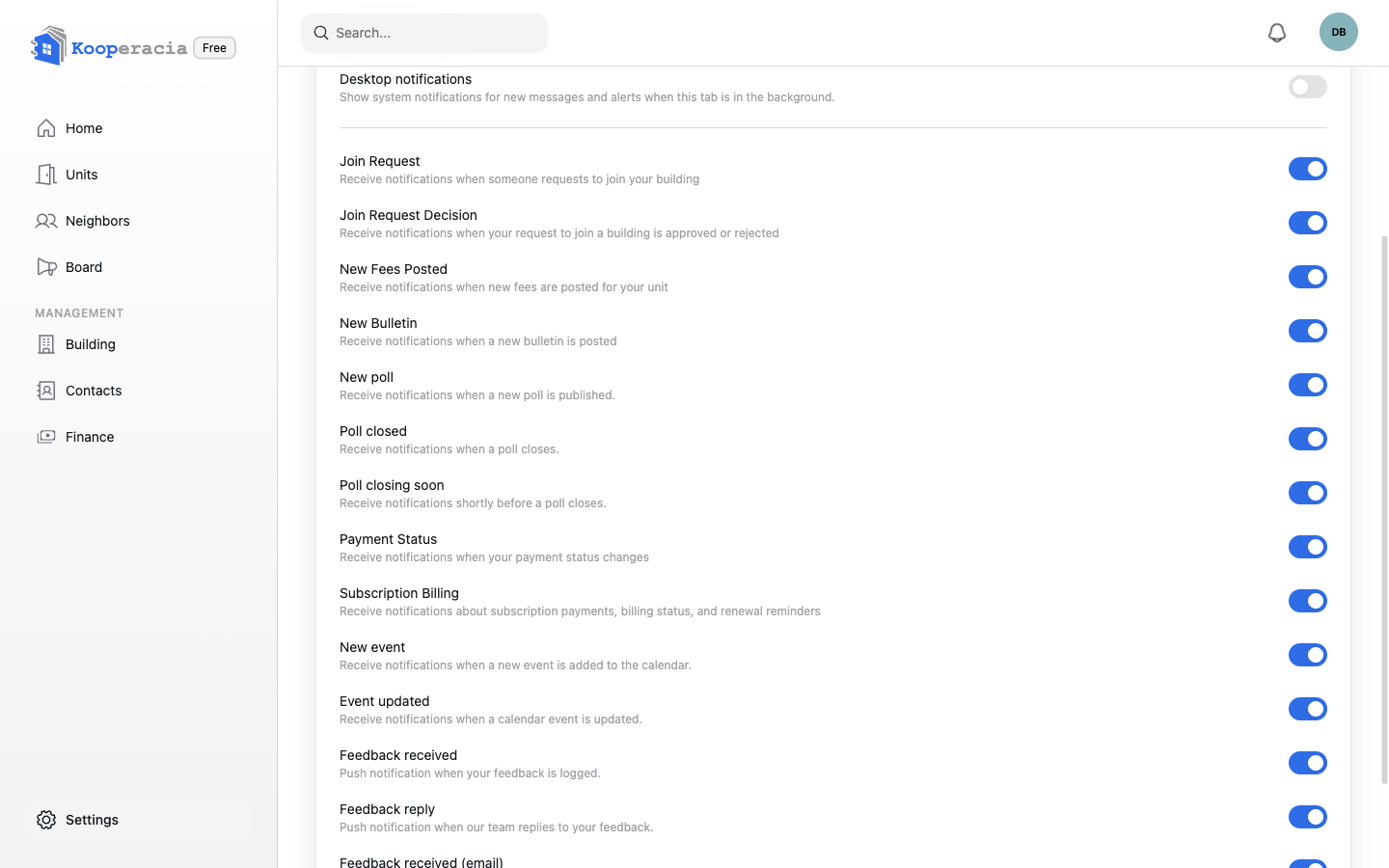
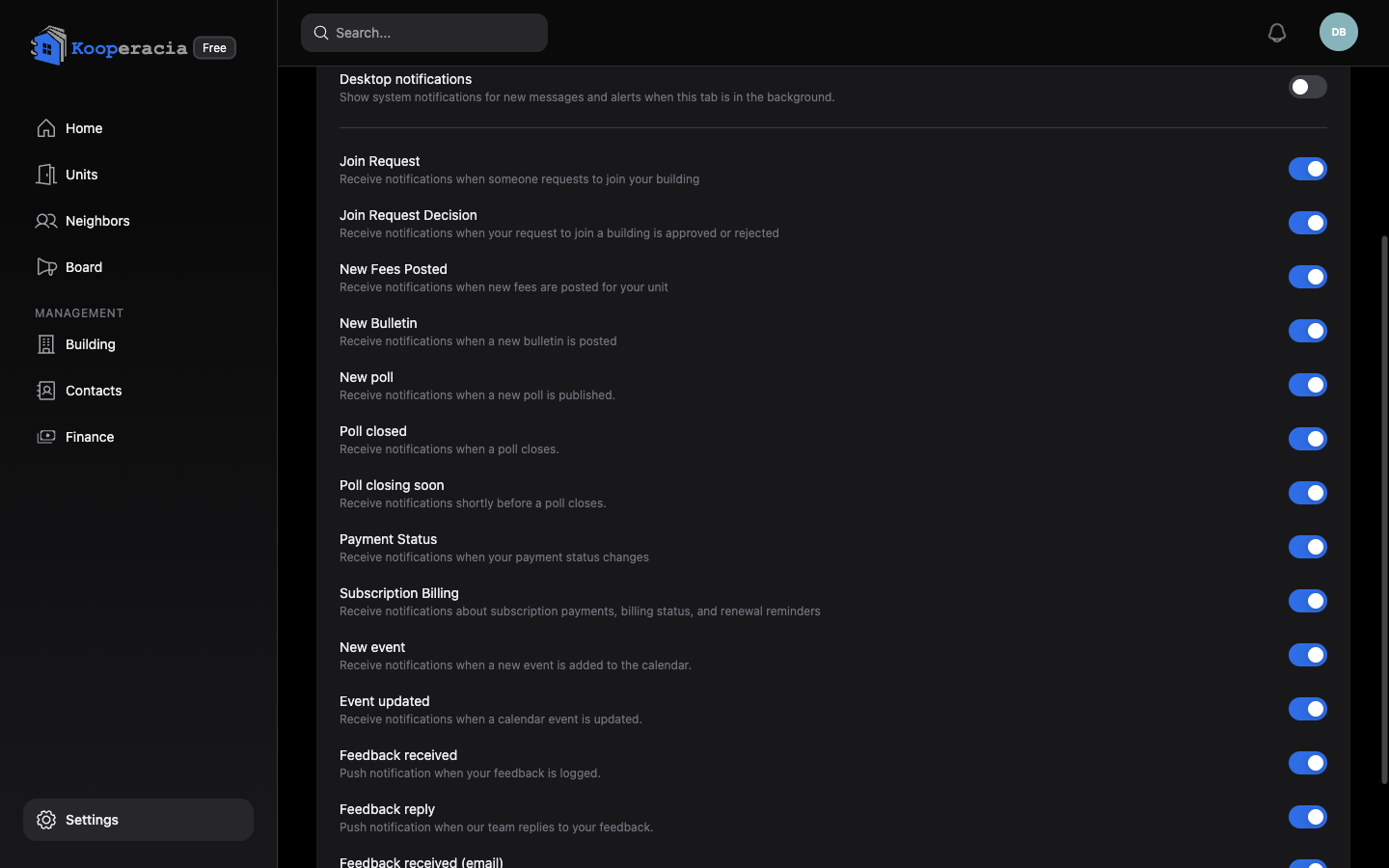 The notification preferences with per-type toggles.
Tip for managers
When you post fees, every affected resident gets a New Fees notification straight away - so you don't have to message anyone to tell them. Overdue amounts are then flagged in Finance and on the dashboard.
Next steps
- Post fees and set due dates in Finance.
- Adjust appearance and account-wide options in Settings & Subscription.