Your Account & Profile
Your account is personal and stays with you across every building you belong to. This is separate from the building's Settings - it's about you.
Your profile
Open Manage your account to keep your details current:
- Name
- Phone
- Date of birth
- Gender
- Profile photo
- Language
Your email is your sign-in identity and is shown here too. Keeping your details up to date helps managers reach you and keeps the building's records accurate.
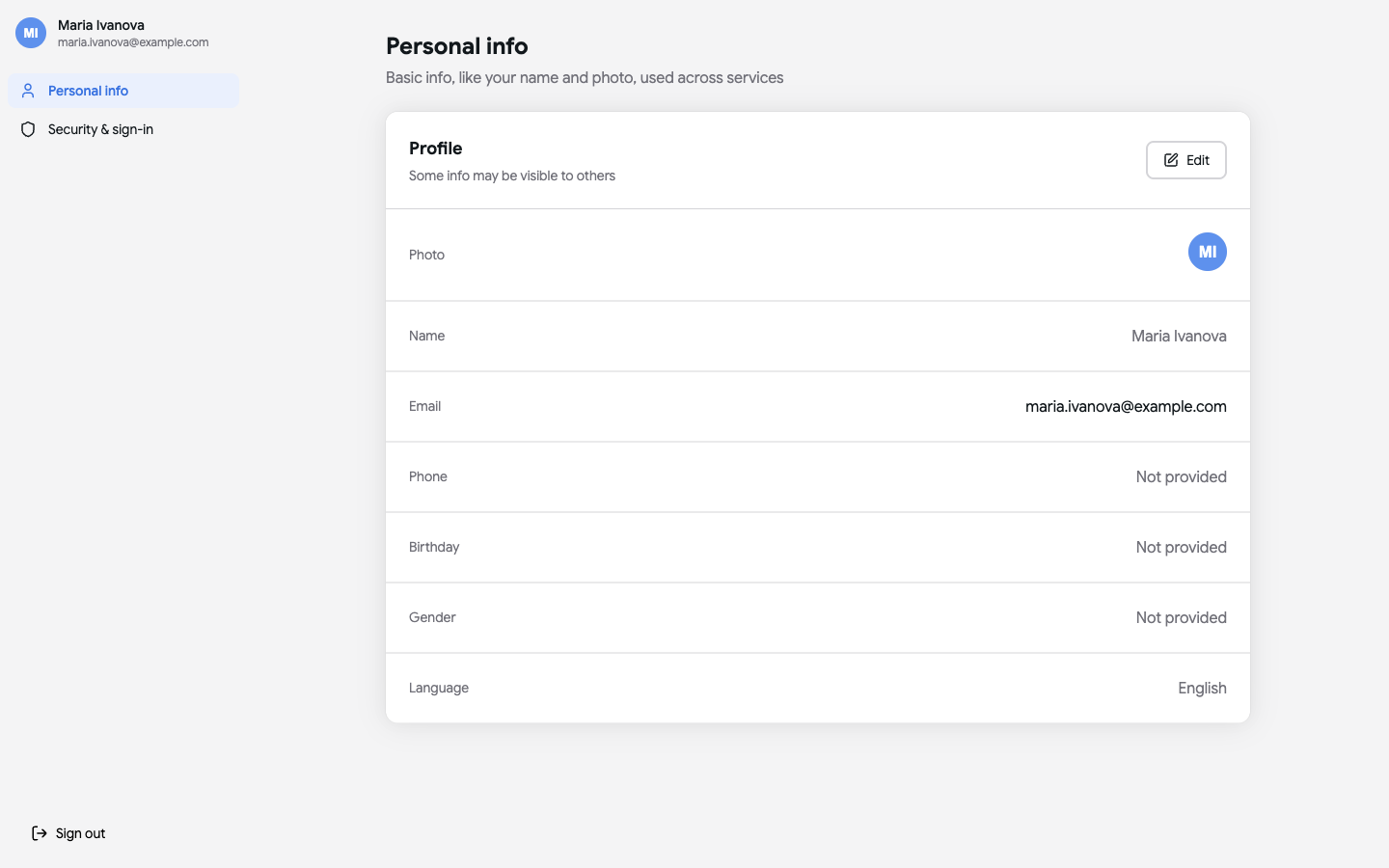
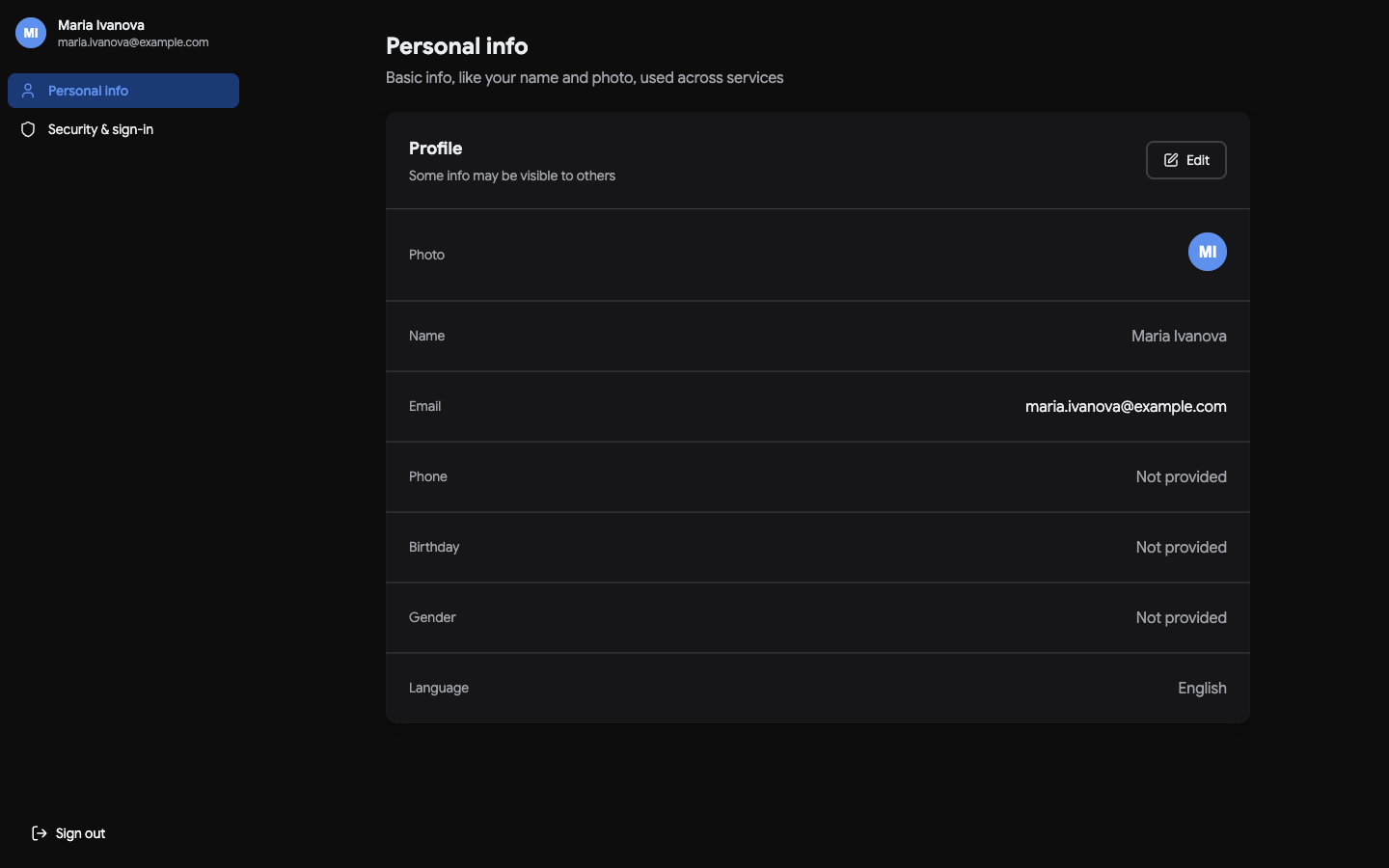 The personal profile screen with name, display name and contact fields.
Security & sign-in
From Manage your account → Security & sign-in you control how you get into your account and keep it safe:
- Connected accounts - sign in with an email one-time code, Google or Apple. Connect or disconnect each method.
- Sign-in & recovery - change your email address, set a password, and turn on 2-Step Verification for an extra layer of security.
- Active sessions - see every device currently signed in, and sign out other devices if something looks unfamiliar.
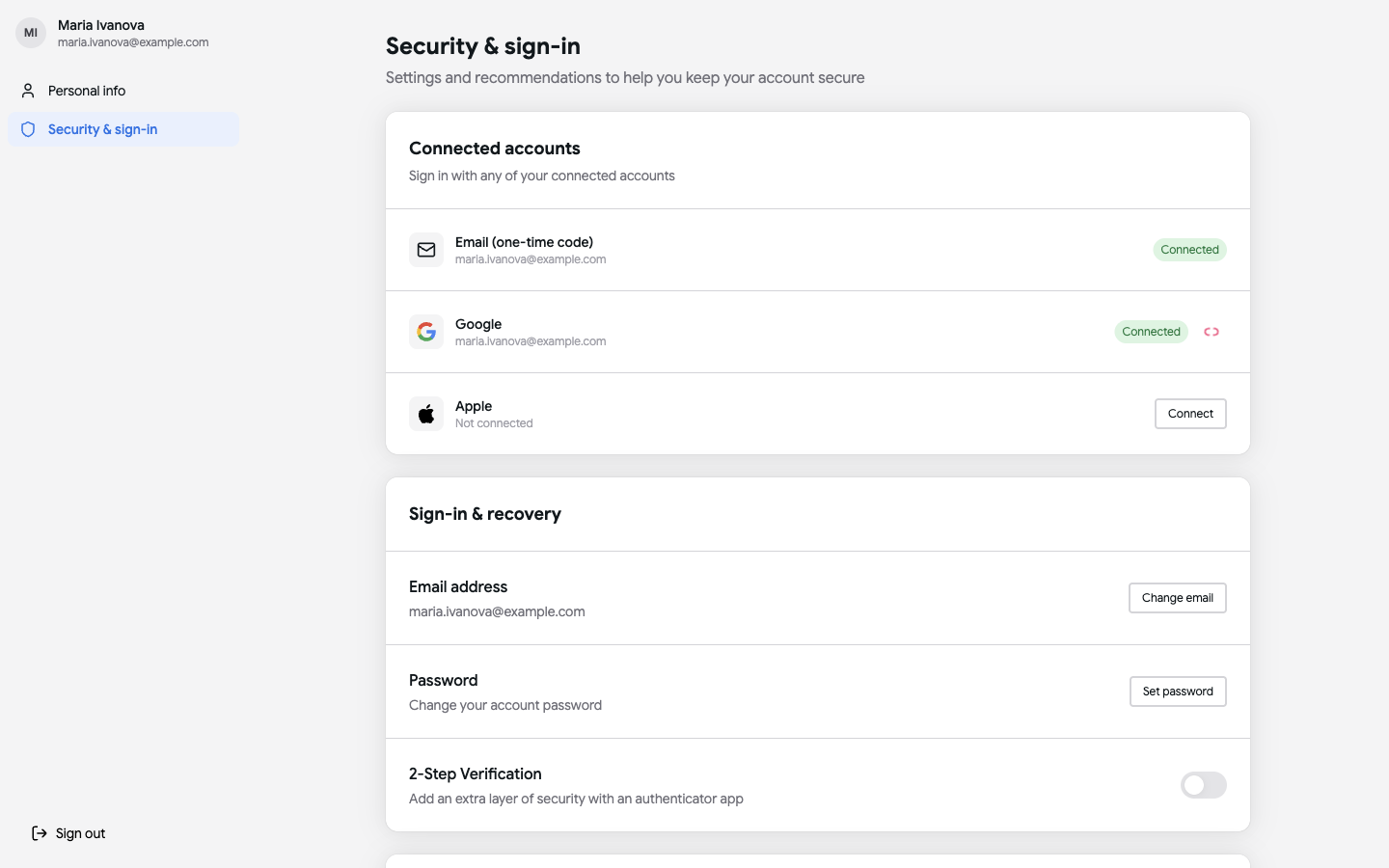
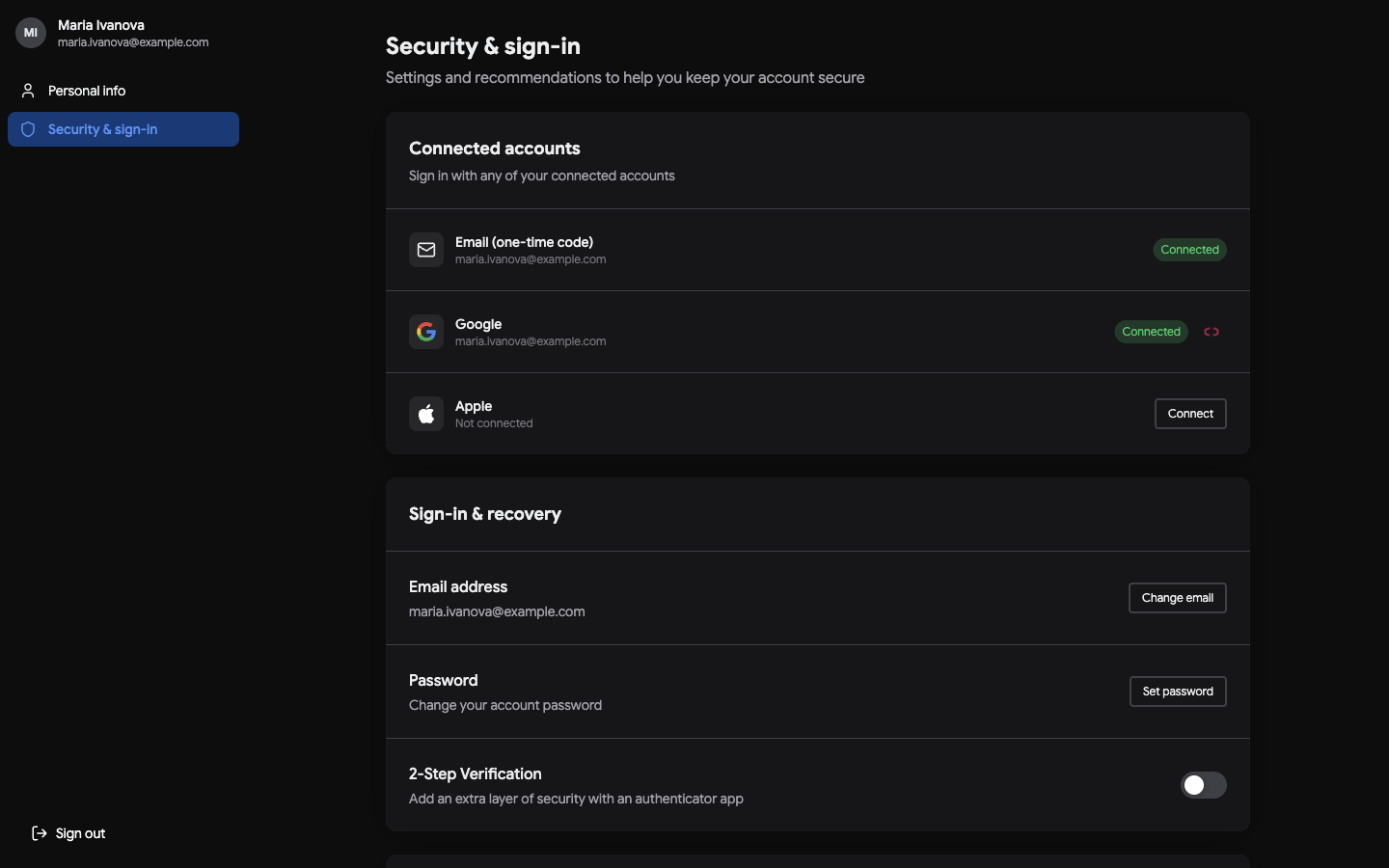 Connected accounts and the sign-in & recovery options.
Switching buildings
If you belong to more than one building - say you own a flat in one block and manage another - you can switch between buildings from your account. Each building keeps its own units, finances and members; switching simply changes which one you're looking at.
Language & appearance
Theme and language live in Settings and follow you wherever you sign in.
Signing out
Use Log out when you're done, especially on a shared computer. You can sign back in any time with your email code, Google or Apple.
Next steps
- Adjust app-wide options in Settings & Subscription.
- New here? Start with Getting Started.